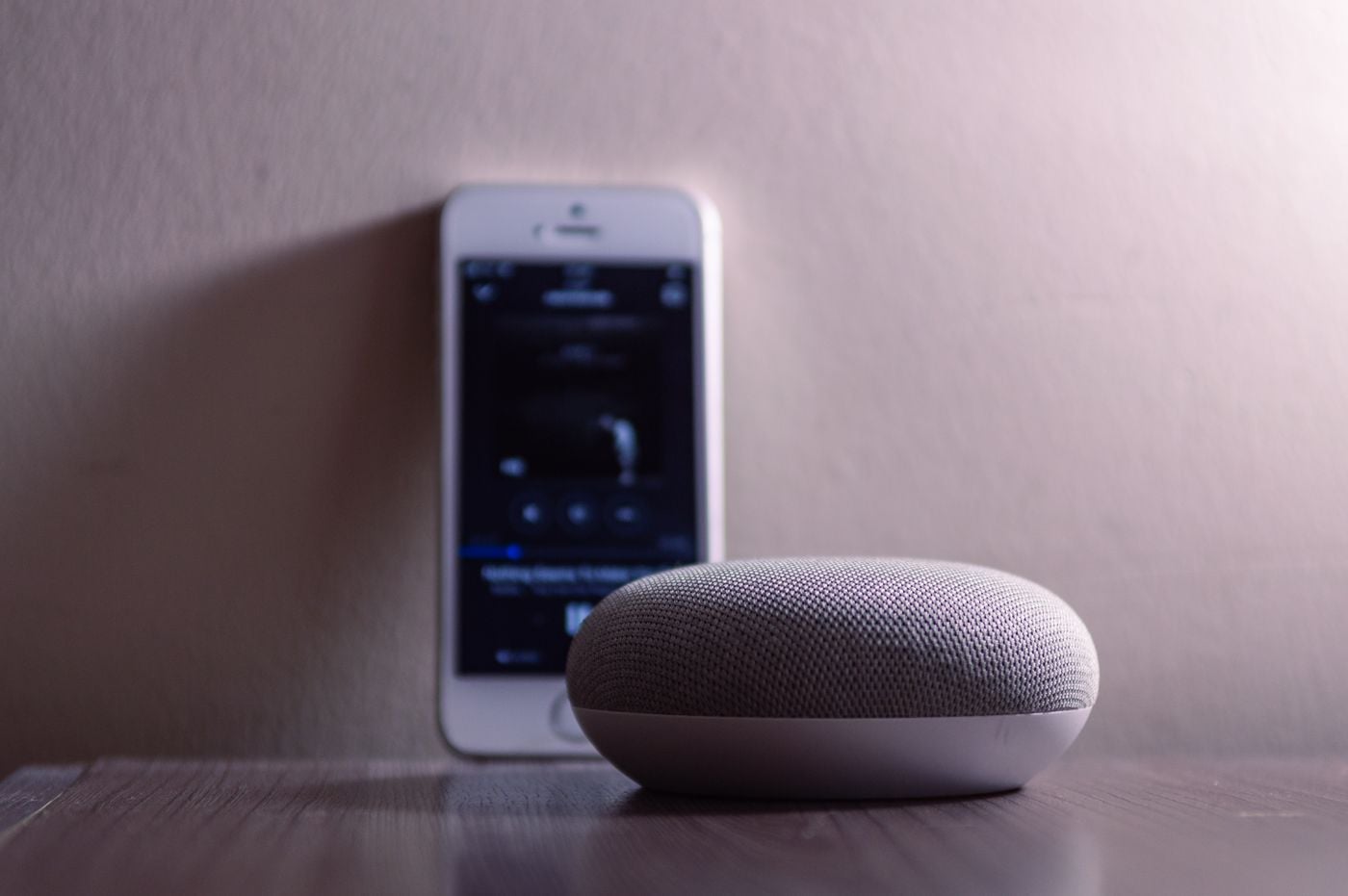
Digital Handyman: We Set Up the Smart Devices You Already Own
Bought an Echo, a Nest Hub, a video doorbell or a new phone and never got it working properly? An Innogreen technician comes to your Perth home, sets up your voice assistant, Wi-Fi and phone, connects them together and shows you how to use them.

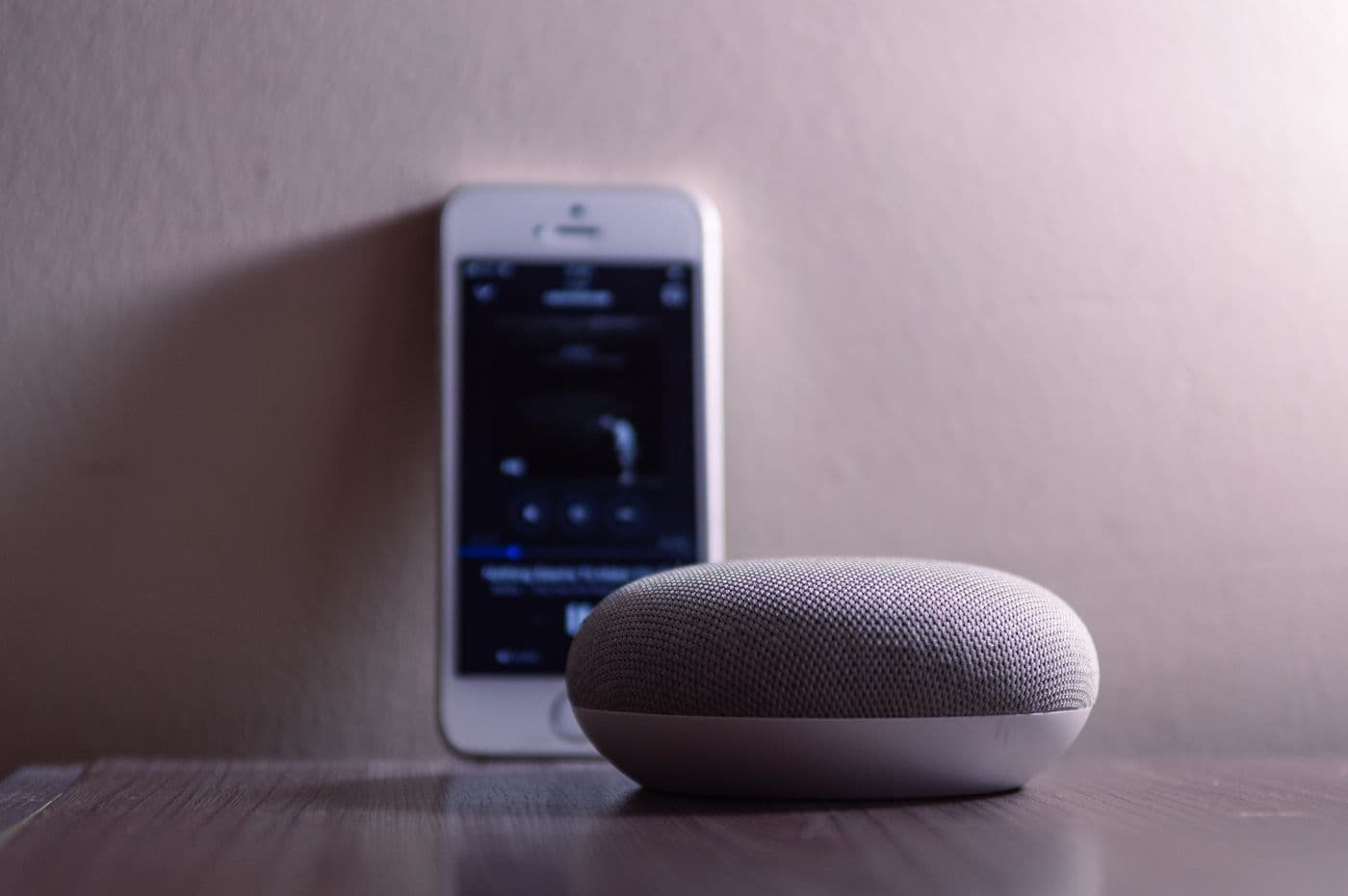
The devices are in the house. They just don't work for you yet.
Plenty of homes already have the technology. What is missing is someone to set it up properly, join it together and explain it in plain language.
Older people living independently
The family set it all up on a visit, then went home. A few months on, the speaker has stopped answering and nobody nearby knows the password.
NDIS participants with equipment that is not set up for them
A device that only works by touch is not much use if voice is how you get around. We configure what you have around how you actually use it.
Families helping a parent from interstate or overseas
Tech support over the phone only goes so far. We do the visit, and set up shared access so you can keep an eye on things from wherever you are.
Anyone who just changed internet provider or moved house
A new modem means a new Wi-Fi name, and every speaker, doorbell, camera and plug drops off at once. We put them all back on in one visit.
Voice, network, phone, and everything in between
Voice assistants
Amazon Alexa, Google Assistant and Siri set up on your speakers and displays, linked to your devices, with routines like “Alexa, goodnight” that turn off the lights and lock the door.
Home Wi-Fi and network
We find the dead spots, set up your modem properly, give the network a password you can read, and connect every device to it. If coverage needs new hardware, we explain why first.
Phones and tablets
New phone setup, contacts and photos moved across, larger text, emergency contacts, Medical ID and fall detection turned on, and the home apps you need installed and signed in.
One app for the whole home
Lights, plugs, locks and doorbells bought at different times, brought together in Alexa, Google Home or Apple Home, grouped by room, with names that are easy to say.
Video calling and family connection
Echo Show, Nest Hub, FaceTime and WhatsApp set up so calling family is one tap or one sentence, with the right people added as contacts.
Accounts, updates and security
Locked out of Amazon, Google or Apple accounts recovered, software brought up to date, two-step sign-in set up, and a second-hand device cleared of its previous owner.
Whatever brand is already on the bench
You do not need to have bought it from us. These are the brands we see most in Perth homes, and we are happy to work on whatever you have.
- Amazon Alexa

- Google Nest

- Apple Home

- Ring

- eufy

- Philips Hue

- TP-Link

- Aqara

All product names, logos and brands are the property of their respective owners and are shown to identify the equipment we install. Innogreen is an independent installer, not an authorised reseller or agent for these companies. Ranges change — we recommend hardware against your assessment, not a fixed catalogue.
What you have, and what we do with it
Most visits cover two or three of these at once, because the network, the phone and the devices all depend on each other.
| You have | What we do |
|---|---|
| An Echo, Nest or HomePod sitting unused | Set it up on your Wi-Fi and account, connect it to your other devices, build a few routines, and teach the handful of commands you will use every day. |
| A video doorbell or camera that keeps going offline | Reconnect it, check the signal where it is mounted, send alerts to the right phones, and set motion zones so passing cars stop setting it off. |
| Smart bulbs and plugs spread across several apps | Move them into one home app, group them by room, add schedules, and give each one a name that works by voice. |
| A new phone or tablet | Move contacts, photos and apps across, set up accessibility features and emergency contacts, and sign in to the apps that run your home. |
| Wi-Fi that drops out in some rooms | Test the signal room by room, reposition or reconfigure what you have, and tell you plainly whether an extra access point would help. |
| Family who want to help from a distance | Share home access, doorbell alerts and video calling with the people you choose, so they can help without being in the house. |
How we work in your home
A setup is only useful if you can still use it once we have gone. These are the things we hold ourselves to on every visit.
We work on what you already own
You do not need to have bought anything from us. If a device genuinely cannot do the job, we tell you why before suggesting anything else.
Your accounts stay yours
Accounts are set up in your name with passwords you choose, and we leave a written record of them with you rather than taking it away.
Set up for how you use it
Larger text, voice-only control, simpler home screens and hearing aid pairing, chosen around your abilities rather than the factory settings.
Tested in the room it lives in
Every device is checked where it sits, not at the kitchen bench, so a doorbell that works by the router also works at the front door.
Family can join the visit
Have a family member or support worker there, or on speaker or video, so they know what was set up and how to help afterwards.
Remote support afterwards
Phone and video help with apps, accounts and connection problems is included at no charge once we have been out.
How a visit is charged
You pay for the time on site, not for a product. There is nothing to buy unless you decide you need it.
- Charged by the hour in 15 minute increments. The first hour includes the call-out, so there is no separate call-out fee.
- Travel is free for the first 20km from our Leederville office.
- If something needs new hardware, such as a Wi-Fi access point, we quote it first and nothing is bought without your say-so.
- Remote phone and video support after the visit is included at no charge.
NDIS and Support at Home. Setup help on its own is usually paid privately. Where the device itself was funded through your NDIS plan or Support at Home, ask your plan manager or provider whether setup and training can be claimed against that item. We provide an itemised invoice either way. See our guide to NDIS funding for mainstream smart home products for more.
From first call to everything working
Tell us what you have and what is not working. A quick call or the form is enough, and a photo or list of the devices helps us plan the time.
We book a visit at a time that suits you, with family there or on the phone if you would like.
On site we set up, connect and test each device in the room it lives in.
We show you the commands and taps you will use every day and leave a printed quick-reference card.
If anything stops working later, call us for remote support before anyone needs to come back out.
Related resources
Quick fixes to try yourself first, the apps worth using, and what a full smart home install looks like.
Frequently asked questions
No. The Digital Handyman service is for the devices you already own, wherever they came from. A gift from the family, a bundle from your internet provider or a second-hand tablet are all fine.
Most of what is in a home: Amazon Echo and Alexa devices, Google Nest speakers and displays, Apple HomePod, iPhone, iPad and Apple TV, Android phones and Samsung tablets, video doorbells and cameras such as Ring and eufy, smart bulbs and plugs, modems and Wi-Fi systems. If you are unsure, send us a photo or the model name when you book.
It depends on how many devices you have and what needs doing. Most homes are sorted in a single visit. A list of your devices when you book lets us tell you roughly how long to allow.
Visits are charged by the hour in 15 minute increments. The first hour includes the call-out, so there is no separate call-out fee, and travel is free within 20km of our Leederville office. Anything that needs new hardware is quoted first.
We will tell you honestly. Sometimes a setting or a different app fixes it. Where the device is the problem, or the Wi-Fi needs an extra access point, we explain the options and quote before anything is bought.
We need to sign in to set things up, and you are welcome to type passwords in yourself. Accounts stay in your name, and we leave a written record of what was set up with you.
Setup help on its own is usually paid privately. Where the device was funded through your NDIS plan or Support at Home, ask your plan manager or provider whether setup and training can be claimed against that item. We provide an itemised invoice either way.
Call us. Remote phone and video support with apps, accounts and connection problems is included at no charge, and if it needs someone on site we book a return visit the same way.
Ready to use what you already have?
Tell us which devices you have and what is not working, and we will book a visit to set them up, connect them and show you how they work.