Motion & presence sensors
Fits: Bathrooms, bedrooms, living areas
Passive infrared sensors that flag long inactivity or unexpected movement. No camera, no audio — the most privacy-preserving option.
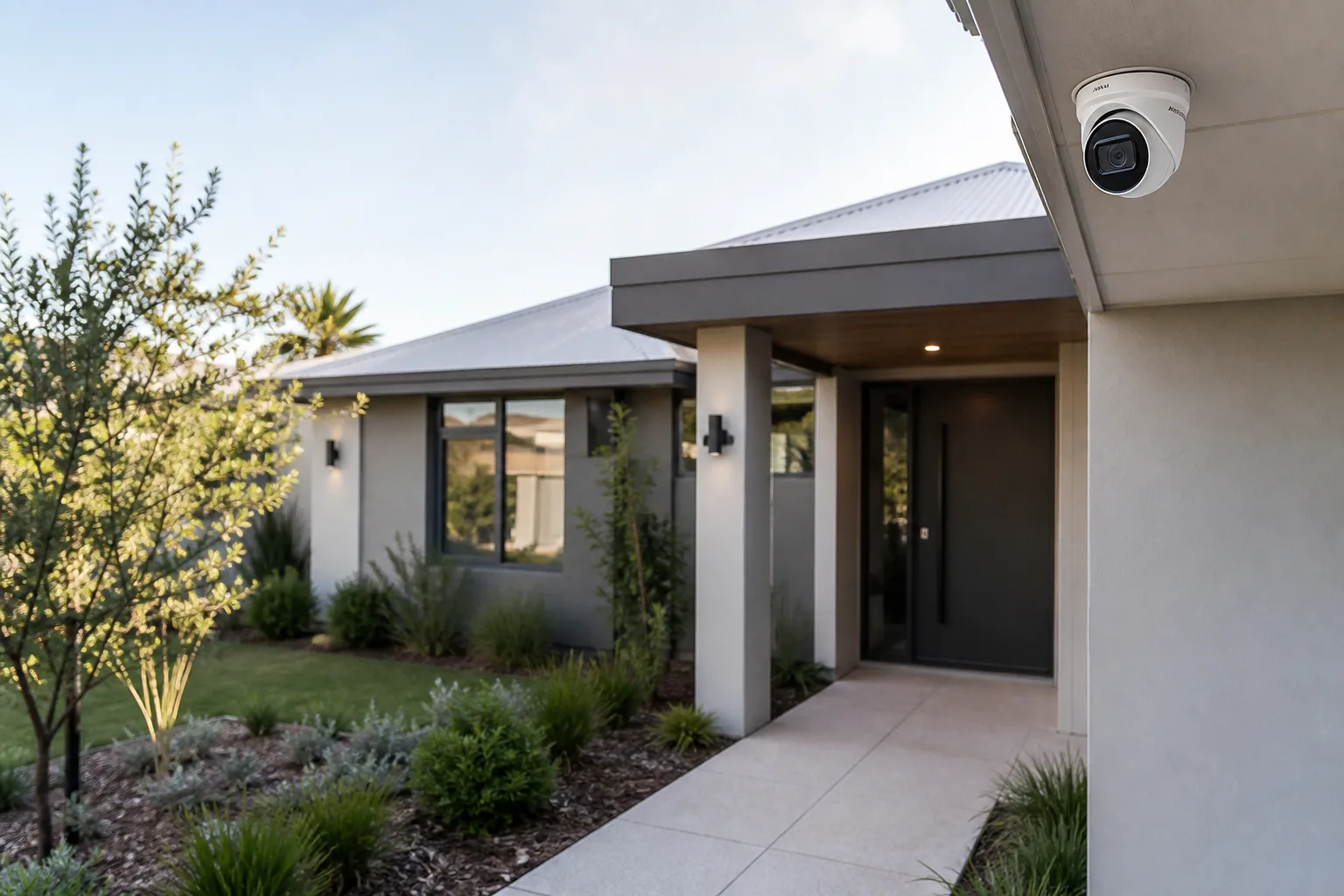
Assistive monitoring, falls detection, wandering alerts and welfare checks — designed around participant consent and privacy. Perth NDIS installations by a registered supplier.
This is assistive safety monitoring for NDIS participants and their families — not consumer home security. Every install is designed around the participant's consent and privacy. If you're looking for a burglar alarm or a generic security camera install, we're not the right fit.
Safety monitoring is about giving participants more time living independently and giving families the confidence to let them. It is not about watching them.
Discreet motion and inactivity sensors can flag a fall or unusually long stillness — supporting faster help without a wearable button.
For participants with dementia, autism or brain injury, door and perimeter sensors give families early notice if someone leaves unattended.
For participants living alone or with minimal support, activity-based welfare checks reduce family anxiety without CCTV always on.
Nominated family members and support workers receive alerts only when something is out of pattern — not a constant surveillance feed.
Passive sensors flag long stillness in bathrooms, bedrooms or living areas — a signal to check in, not a false alarm.
Doors and gates chime a nominated family member if opened at unusual times or by an at-risk participant.
Placed only where the participant consents. Live view for welfare checks; recorded review only if an alert fires.
Family or support workers can speak with the participant via a smart speaker — no phone required.
One app view of activity patterns for nominated carers — designed for peace of mind, not surveillance.
Depending on your plan and goals, safety monitoring may sit under Assistive Technology or Home Modifications.
We match hardware to the specific risk being addressed. Many participants opt for zero cameras — a network of sensors is often enough.
Fits: Bathrooms, bedrooms, living areas
Passive infrared sensors that flag long inactivity or unexpected movement. No camera, no audio — the most privacy-preserving option.
Fits: Entries, gates, medication cupboards, exit doors
Simple magnetic sensors that trigger an alert when a door opens outside expected hours or by a specific person.
Fits: Common rooms only, with participant agreement
Cameras placed only where the participant consents, with visible on/off control. Used for welfare checks and post-alert review, not continuous surveillance.
Fits: Anywhere the participant spends time
Amazon Echo, Google Nest or Apple HomePod configured so a nominated carer can voice-check-in and the participant can call for help.
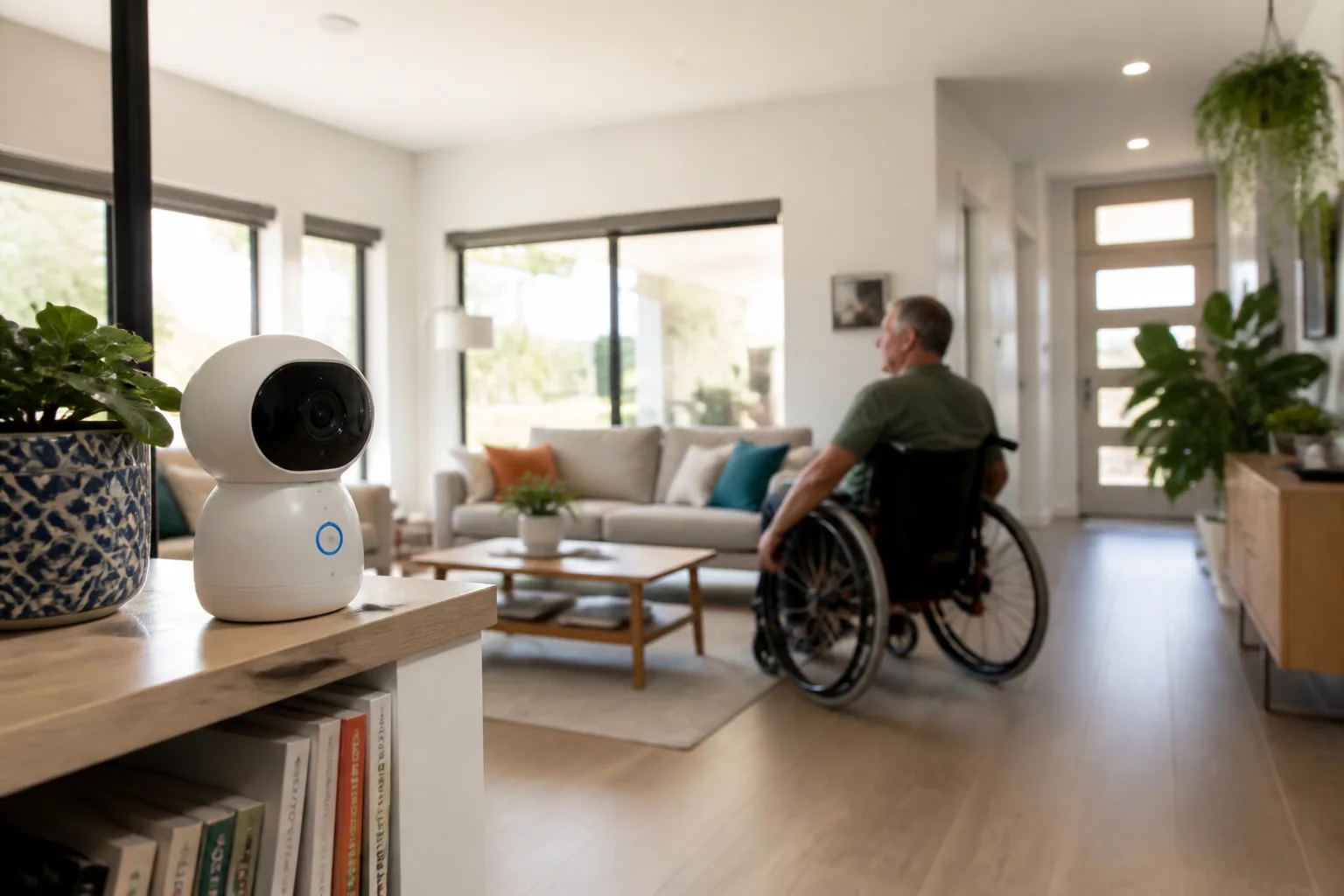
Discreet, consent-based, alert-driven — not always-on.
Consumer cameras and commercial-grade systems solve different problems. We install both, and we say plainly which one a home actually needs.

Four 6MP cameras with spotlights and AI detection on a recorder with a 4TB drive, recorded on site with no cloud subscription. Also the IP Villa intercom, with night vision and a 7-inch indoor screen that releases the door.

Our entry-level recorded system: four 6MP AcuSense cameras on a recorder with a 2TB drive. Add a fifth camera and the 8-channel recorder and a 4TB drive are included.

Facial recognition intercoms that open on a face, a PIN or a QR code, with a 7-inch indoor screen, for entries where the camera has to open the door as well as watch it.

E40 and eufyCam C35 wire-free kits, SoloCam C210 and solar S220 cameras and the Indoor Cam C220, storing footage locally so nothing is behind a paywall.

Stick Up Cam and an Indoor Camera with a slide-across privacy cover, for participants who want doorbell, cameras and alerts living in one familiar app.

Low-profile flateye cameras and NVRs for homes where discreet hardware matters more than a visible deterrent.

UniFi Protect recorders and PoE turret cameras, managed alongside the Wi-Fi that every other device in the home depends on.

4K DVR kits, spotlight cameras and indoor sirens for straightforward whole-of-property coverage on a tighter budget.

Alarm panels, pet-immune wireless motion detectors and sirens, for when the job needs a monitored alarm rather than cameras alone.
All product names, logos and brands are the property of their respective owners and are shown to identify the equipment we install. Innogreen is an independent installer, not an authorised reseller or agent for these companies. Ranges change — we recommend hardware against your assessment, not a fixed catalogue.
Security in a disability or SDA setting is not the same job as securing a warehouse. Dignity, consent and reliability drive these choices ahead of camera count.
This is our default and we will push back on anything else. Motion, contact and presence sensors give a household the safety signal it needs indoors without pointing a lens at someone in their own home.
An NVR or DVR keeps weeks of footage locally with no ongoing fee and no dependence on upload speed. Cloud plans are simpler but cost every month and stop the day the card expires.
Power over Ethernet is the most reliable and needs cabling. Battery suits rentals and awkward walls. Solar suits sheds, gates and long driveways where no cable will ever run.
Cameras tell you what happened. An alarm panel with sirens, duress buttons and monitoring tells someone while it is still happening. Many homes need both, and they are separate decisions.
Cameras are only as dependable as the Wi-Fi and switching behind them. We quote access points, PoE switches and a UPS so the system rides through a short outage instead of going dark.
In SDA and shared homes, consent and access rules come first. We set up who can view footage, who receives alerts and how long recordings are kept, and we write it down at handover.
Safety monitoring is most useful when it's tied to the rest of the smart home — activity signals from lighting, entry logs from doors, arrivals from the doorbell.
The doorbell records who arrived and when — integrating with safety monitoring so families know when visitors and support workers came in.
Smart doorbell hubMotion-triggered pathway lighting doubles as an activity signal — long inactivity in a bathroom fires a welfare alert.
Smart lighting hubDoor access logs — who entered, when — feed the monitoring dashboard so support workers arriving and leaving is auditable.
Smart locks hubSafety monitoring integrates with switch, tablet and eye-gaze ECU platforms so the participant can trigger a help alert themselves.
Smart home hubPortable sensor kits typically sit under Assistive Technology; hard-wired systems are usually Home Modifications.
Talk with your support coordinator, LAC or occupational therapist about the specific safety risks and what alerts would help.
Your OT prepares an Assistive Technology (or Home Modification) assessment identifying the functional need.
Innogreen provides quotes, product documentation and installation scope for the report.
The assessment goes into your NDIS plan review or a variation request; a decision is made by the NDIA.
On approval, we install, configure alert recipients, brief your household and hand over training materials.
Funding is never guaranteed. Whether the NDIS funds safety monitoring depends on your individual plan and goals — always confirm with your planner, LAC or support coordinator. See our guide to Capital Supports and Assistive Technology for a plain-language walkthrough.
It's assistive safety monitoring for NDIS participants and their families — not consumer security. We focus on functional risks like falls, wandering and welfare checks, and we design every install around the participant's consent and privacy. If you're looking for a burglar-alarm system, this hub isn't for you.
Safety monitoring may be funded through your NDIS plan when it addresses a functional need — like fall risk, wandering, or the ability to live independently between support visits — and is backed by evidence from your OT or support coordinator. Portable sensor kits often sit under Assistive Technology; hard-wired systems are usually Home Modifications. Approval depends on your plan, goals and reasonable-and-necessary assessment — please confirm with your planner, LAC or support coordinator.
No. Most of our installs use no cameras at all — just motion, door and presence sensors. Where cameras are used, it's only in rooms the participant agrees to, with visible on/off controls, and only recording when an alert fires. We design for privacy first.
The system sends an alert to nominated family members or support workers — typically a push notification, phone call or SMS. They can then check in via a smart speaker voice call or contact the participant directly. The system does not automatically call emergency services unless specifically configured to.
Yes. Every install includes a way for the participant to pause or disable monitoring temporarily — a physical button, a phrase to a smart speaker, or an app toggle. Autonomy stays with the participant, not the family.
Most sensors are battery-powered with 1–2 year battery life. Local alerts (indoor sirens, family phones on the same network) keep working during internet outages. Remote alerts to off-site family require internet — we can add a cellular backup for critical installs.
Only accounts the participant explicitly authorises. Support workers can be given time-limited access that expires with their shift. Recordings and logs are stored with encryption; access is auditable.
Book a free safety assessment. We'll walk your home with the participant, match hardware to the specific risks, and prepare the documentation your OT and support coordinator need.