Back to Smart Homes

Smart Locks & Keyless Entry for NDIS Participants in Perth

Retrofit smart locks that open with a PIN, fingerprint, fob, phone or voice — no keys to turn, no keys to lose, and support-worker access you can grant and revoke in seconds.

Looking for a door that opens itself? A smart lock releases the latch — you still push or pull the door. If the weight or swing of the door is the barrier, you need a motorised opener instead.

Automatic door openers
Who it's for

When a key is the thing standing in your way

A key demands pinch grip, wrist rotation, accurate aim and somewhere safe to keep it. Take away any one of those and the front door becomes a daily problem. These are the situations keyless entry solves outright.

People with limited hand strength or dexterity

Turning a key needs pinch grip and wrist rotation — two of the first things arthritis, MS, cerebral palsy and post-stroke recovery take away. A PIN pad, fob or fingerprint reader removes both.

Participants who lose or misplace keys

Memory, vision and coordination barriers make physical keys a daily risk. Keyless entry means there is nothing to drop, lose, or get locked out by.

Households with rotating support workers

Issue each worker their own code instead of cutting keys or leaving a lock-box. Revoke it the moment they leave the roster — no rekeying, no handover gaps.

Families who need to know the door is locked

Check lock status from anywhere and get an alert if a door is left open. Useful where a participant is at risk of wandering or forgets the latch.

What's in the system

Every way in, and full control over who has it

Fingerprint & PIN entry

Touch or tap to unlock. No grip, no key, no phone needed — the fallback that works when everything else is out of reach.

Smartphone & app control

Lock, unlock and check door status from a phone, tablet or smart display — from the next room or from across town.

Voice unlocking

Unlock by voice through Alexa, Google Home or Apple HomeKit, with a spoken PIN as the security step.

Per-person access codes

Every carer, family member and support worker gets their own credential — so the access log tells you who, not just when.

Time-limited access

Codes that only work during rostered shifts, cleaning windows or a one-off delivery, then expire on their own.

Tamper & battery alerts

Encrypted lock-to-hub communication, tamper alarms, and low-battery warnings weeks before the batteries actually run down.

Lock options

Four setups, all retrofitted to your existing door

Nothing here requires a new door. We match the lock to your hardware, your hand function, and whether you need to see a visitor before letting them in.

Smart deadbolt retrofit

Fits: Most Australian standard entry doors

Replaces the existing deadbolt cylinder only — the door leaf, frame and handle stay exactly as they are. Entry by PIN, fob, fingerprint or phone. The lowest-cost way into keyless entry and the option we install most often.
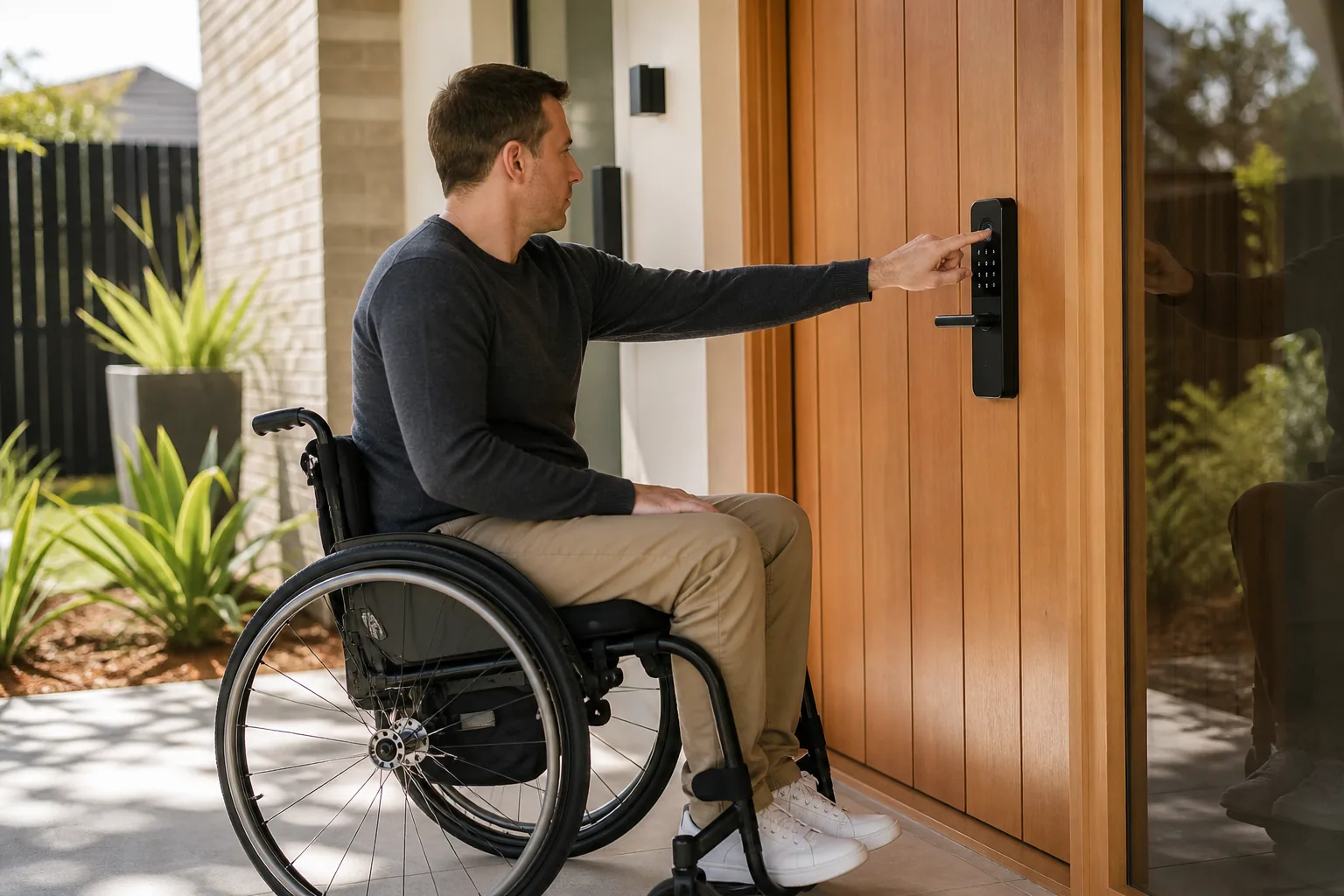

Full smart lockset

Fits: Front doors where the handle is also a barrier

Lock and handle replaced together with a lever-style handle that opens with a forearm or closed fist. Suits participants who can't grip a round knob or turn a key.

Keypad-only entry lock

Fits: Garage-to-house doors, granny flats, side gates

A code pad without app or hub dependency — nothing to configure, nothing to update. Good for secondary doors and for households that don't want another app.

Smart lock + video intercom pairing

Fits: Front doors where you need to see before you open

The lock pairs with a video doorbell so you can identify a visitor and release the latch from your chair, bed or phone without going to the door at all.

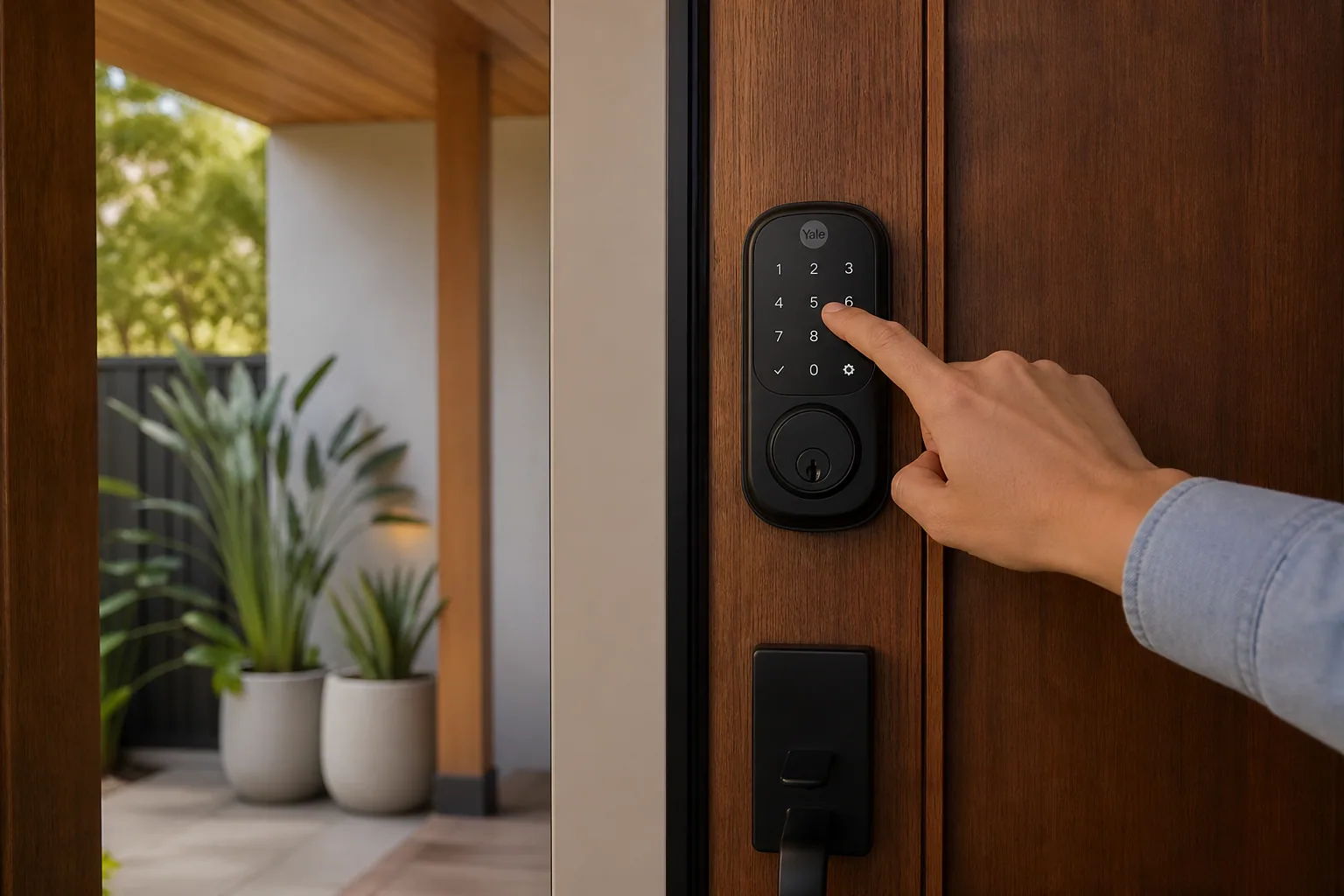
A hand opening a front door fitted with a smart lock that displays a welcome message

No key, no grip, no lockout — just your code, your print, or your voice.

Choosing an entry method

Which unlock method suits you?

Most participants end up using two or three — a primary method for everyday use, and a fallback for the days when the primary one isn't practical.

Comparison of smart lock entry methods, when each one suits best, and how it works
Entry methodBest whenHow it works
Personal PIN codeYou want carer access without smartphonesEach person gets their own 4–8 digit code. Codes can be scheduled, one-time, or permanent, and are revoked instantly from the app.
FingerprintGrip and fine motor control are limitedOne touch, no memory load. Multiple fingers can be enrolled per person in case one hand is unavailable.
Key fob or tagCognitive load or memory makes codes hardTap-to-enter on a fob that clips to a bag or chair. Lost fobs are deactivated remotely rather than needing a lock change.
Smartphone appYou already use a phone or tablet dailyUnlock on approach, check status remotely, and grant a visitor entry while you're out.
Voice commandReaching the door itself is the barrierWorks through your existing voice assistant. A spoken PIN keeps unlock-by-voice secure.
Physical key overridePower, batteries or Wi-Fi failMost models keep a mechanical key path or an external battery contact so the door always opens.
Works with the rest of your home

A lock that talks to the rest of your setup

On its own a smart lock solves the key. Connected to your intercom, opener, ECU and monitoring hub, it becomes part of one system that handles the whole doorway.

Video intercom

See and speak to whoever is at the door, then release the lock — all from a phone, tablet or wall display without moving to the entry.

See video intercom options

Automatic door openers

Where unlocking isn't enough and the door itself needs to swing or slide open, the lock disengages and hands over to a motorised opener.

Automatic door openers

Environmental control units

Compatible with switch-access, sip-and-puff and tablet-based ECU platforms, so unlocking sits alongside your lights, blinds and climate controls.

Smart home overview

Safety monitoring

Access logs feed into wider monitoring so families and support teams can see when a participant left, returned, or when a worker arrived on shift.

Safety monitoring hub
NDIS funding pathway

How a smart lock gets into an NDIS plan

Because a retrofit lock rarely involves structural work, it usually sits under Assistive Technology rather than Home Modifications — which tends to make it a shorter pathway.

  1. Talk with your support coordinator, LAC or occupational therapist about the specific barrier — grip, memory, reach, or key management.

  2. Your OT prepares an Assistive Technology assessment describing the functional need a keyless lock addresses.

  3. Innogreen provides written quotes, product documentation and installation scope for the report.

  4. The assessment goes into your plan review or a variation request; the NDIA makes the decision.

  5. On approval we install, enrol every user's credential, brief your support team and hand over quick-reference guides.

Funding is never guaranteed. Whether the NDIS funds a smart lock depends on your individual plan and goals — always confirm with your planner, LAC or support coordinator. See our NDIS Funding Guide for a plain-language walkthrough.

Working with Innogreen

From first call to first keyless entry

  • Free consultation and door assessment — on-site or over video call.
  • Lock matched to your door hardware, your hand function and your funding pathway.
  • Installation by trained technicians — typically 1–2 hours per door, no door replacement.
  • Enrolment: personal codes, fingerprints, fobs, app accounts and support-worker schedules.
  • Handover training for you, your family and your support team, plus printed quick-reference cards.

Frequently asked questions

Smart locks and keyless entry may be funded through your NDIS plan when they address a functional need and are backed by evidence from your OT or support coordinator — most often through the Assistive Technology budget, since a retrofit lock rarely involves structural work. Approval always depends on your individual plan, goals and reasonable-and-necessary assessment, so please confirm with your planner, LAC or support coordinator.

The lock keeps working. Smart locks run on long-life batteries and send low-battery alerts weeks in advance, and every model we install keeps an offline entry path — a mechanical key, an external 9V contact, or a keypad that works without a network connection. Wi-Fi is only needed for remote access and notifications, not for unlocking at the door.

Yes, and most do. Every user can be issued a personal PIN, key fob or fingerprint enrolment with no smartphone involved. Access can be limited to rostered hours and revoked instantly from your side if a worker leaves or a code is shared with someone it shouldn't be.

The locks we install are certified to Australian standards and use encrypted communication between the lock and its controllers. Most models have no external keyhole to pick, every access event is logged against a named user, and tamper attempts trigger an alert. Practically, the bigger security gain is that you can revoke a code in seconds — something a copied physical key can never offer.

Almost certainly. A smart deadbolt retrofit uses the existing lock cut-out, so most Australian standard hinged doors take one with no modification. Older, warped or non-standard doors sometimes need a packer plate or hinge adjustment, which we identify during the assessment. Full door replacement is very rarely required.

It depends on where the barrier sits. If you can push or pull the door once it's unlocked, a smart lock alone usually solves it. If the weight or swing of the door is itself the problem — common for power-chair users — you need a motorised opener as well, and the two work as one system.

Yes — that's part of the design. We hand over quick-reference cards for each entry method and brief your household on the routine you want workers to follow. Most support teams are confident within a single shift.

A smart-lock-only retrofit is typically several hundred dollars installed, depending on the hardware and the entry methods you need. Where NDIS funding is being sought we prepare trial documentation and, in many cases, arrange a short in-home demonstration so you and your OT can confirm the fit before requesting funding.

Ready to give up the keys?

Book a free lock assessment. We'll check your door hardware, match a lock to your hand function and funding pathway, and prepare the documentation your OT and support coordinator need.